 Colors of Mind
User Guide
How to register children and use the Colors of Mind platform
Registering Your Patients / Kids
Colors of Mind is designed to be used by parents, caregivers, and practitioners to support children with autism and other cognitive conditions. Before starting any activities, you'll need to create an account and register the child or patient you're working with. This allows the platform to personalize activities and track progress over time.
Step 1: Access the Platform and Sign In

Visit colorsofmind.com and click Launch App.
From here, you can:
-
Create a new account using your email and password, or
-
Sign in with Google for faster access
Once signed in, you'll be taken to your dashboard.
Step 2: Navigate to Your Profile
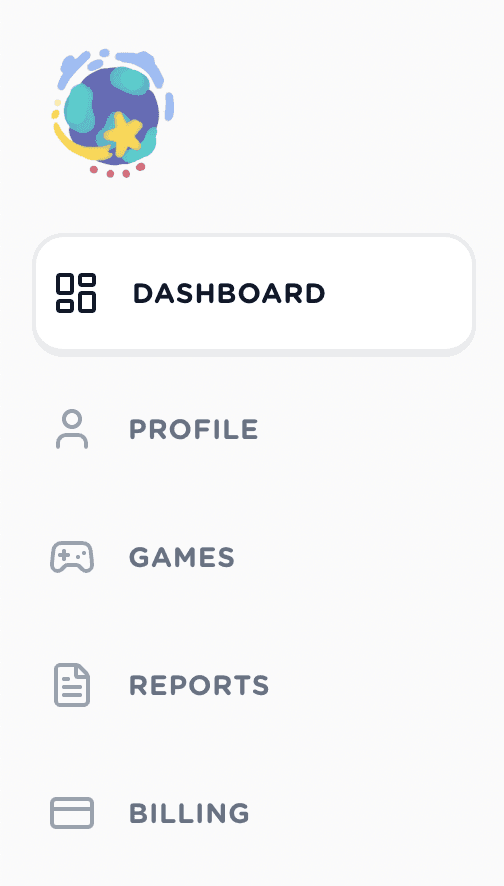
After logging in, open the sidebar menu and select Profile.
This is where you manage account details and register children or patients associated with your account.
Step 3: Add a New Child / Patient
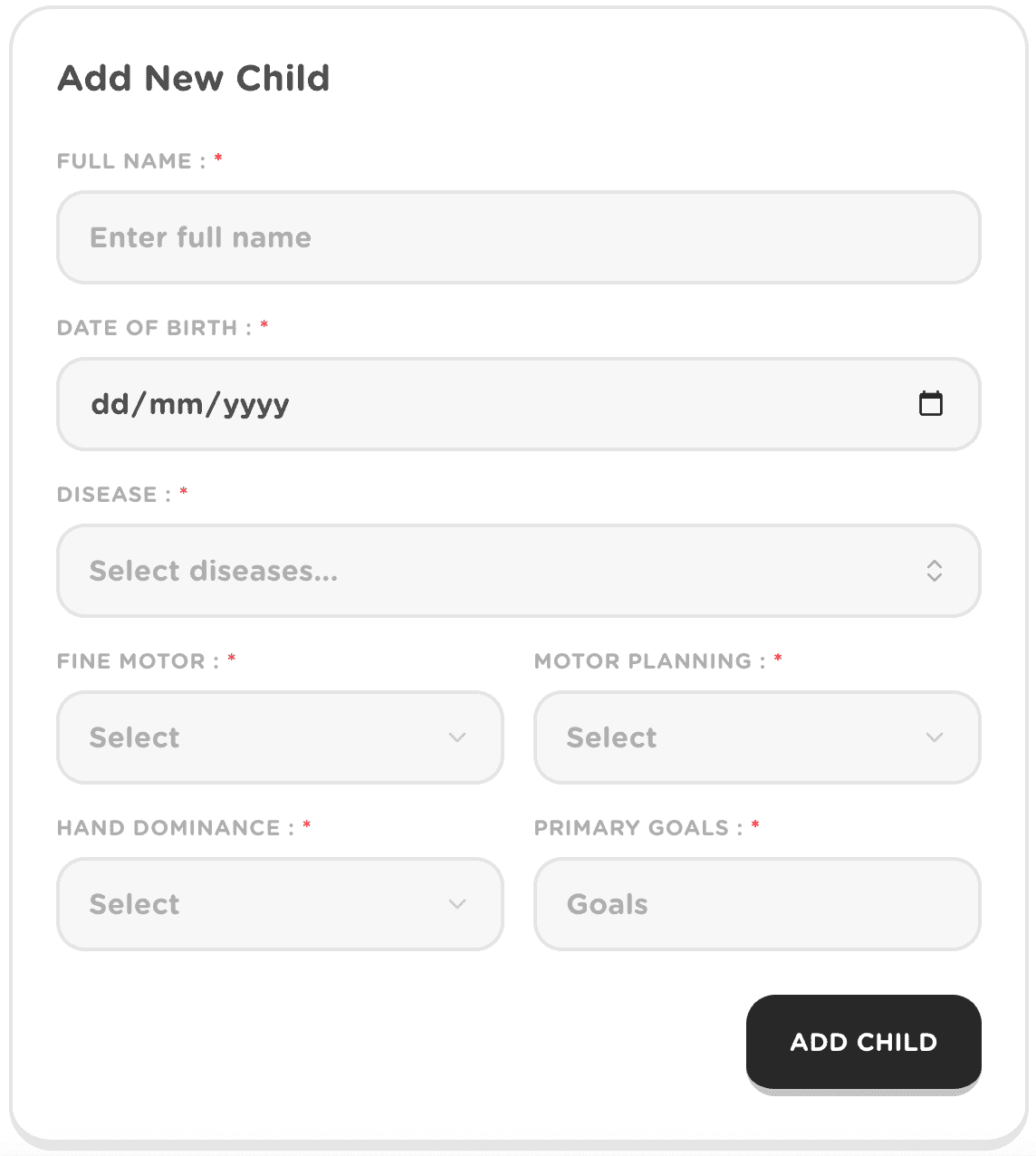
Inside the Profile section, select Add New Child. You'll be asked to complete a short form to help the platform tailor activities appropriately.
The required information includes:
- Full Name of the child or patient
- Date of Birth
- Primary Cognitive Condition (e.g. autism spectrum disorder)
- Fine Motor Skill Level
- Motor Planning Level
- Hand Dominance
- Primary Goals (such as attention, coordination, or cognitive engagement)
This information is used solely to personalize gameplay difficulty, task structure, and progress tracking.
Step 4: Save and Continue
Once all required fields are completed, click Add Child.
The child or patient will now appear in your profile and can immediately begin using the games and activities available on the platform.
You can register multiple children under one account and switch between them at any time.
Playing The Games
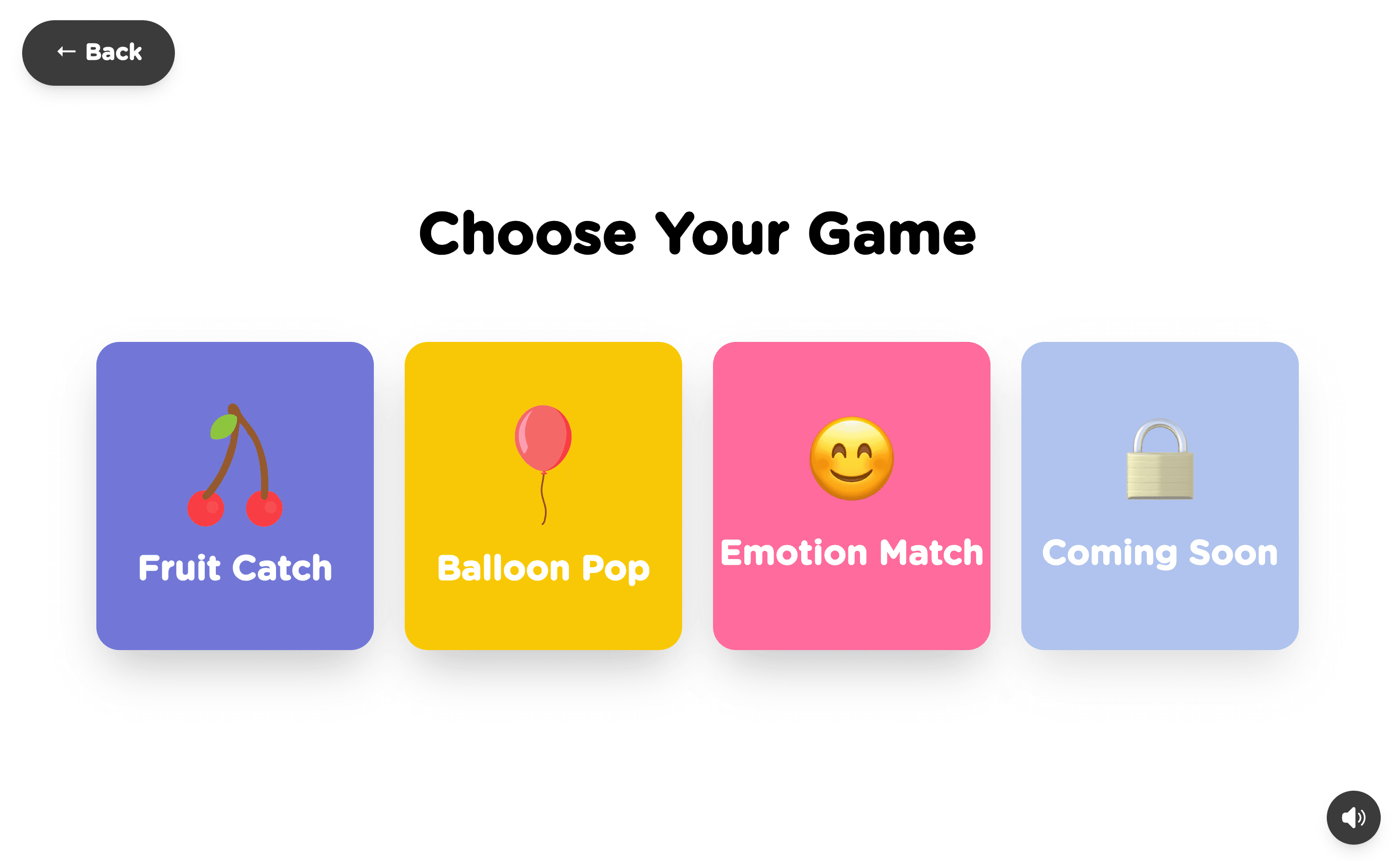
Colors of Mind uses short, structured games to support cognitive and motor skill development in children with autism and related conditions. Each game is designed to be engaging while quietly collecting meaningful behavioral and performance data over time.
Currently, the platform offers three core games, with more planned in future updates.
Fruit Catch

Fruit Catch focuses on attention, reaction time, and fine motor coordination. Players are asked to track and catch falling objects, encouraging sustained focus and hand to eye coordination. This game is particularly useful for early-stage motor and attentional development.
Balloon Pop
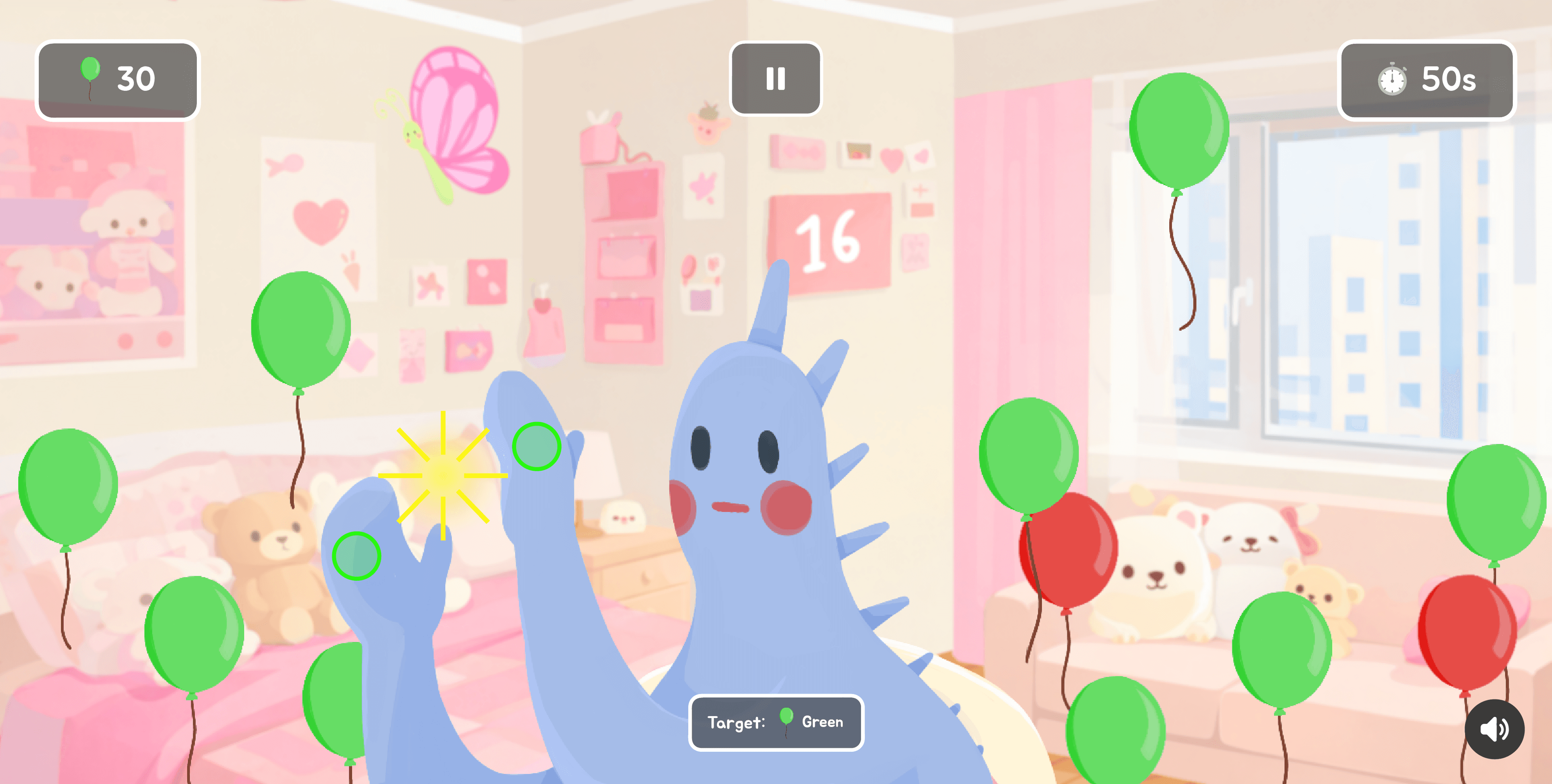
Balloon Pop trains similar cognitive and motor skills through a simpler, visually rewarding interaction. The popping mechanic helps reinforce cause-and-effect understanding while supporting reaction speed and motor planning in a low-pressure environment.
Emotion Match
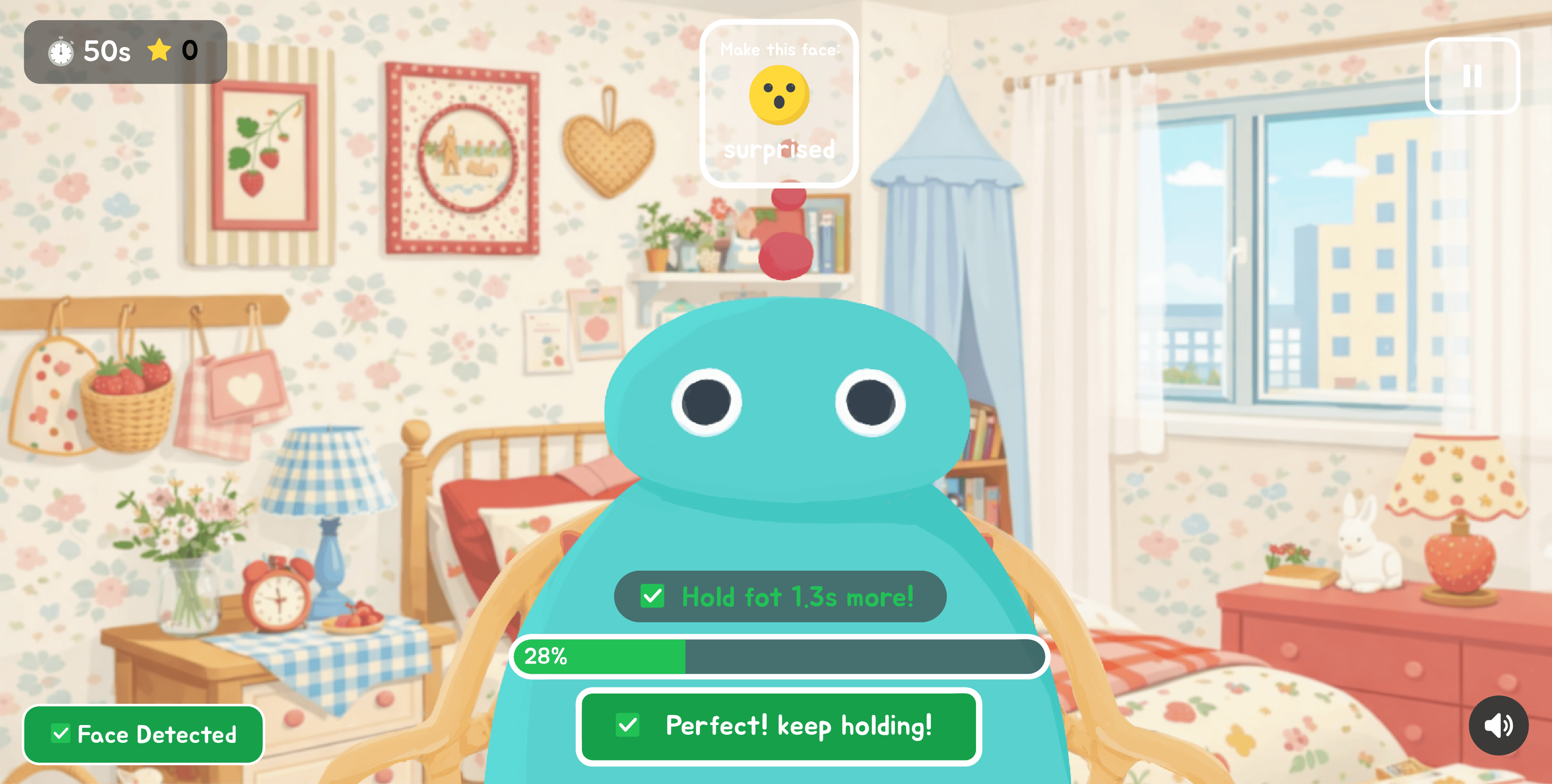
Emotion Match is designed to support emotional recognition and regulation. Players are asked to identify and match facial expressions, engaging regions associated with social cognition and frontal-lobe processing. This game helps children practice recognizing emotions in a structured and repeatable way.
Adjustable Difficulty and Session Duration
All games include configurable settings to better match each child's current abilities. Caregivers and practitioners can adjust:
- Difficulty level, based on the child's motor and cognitive stage
- Session duration, allowing for shorter or longer play depending on attention span and tolerance
This flexibility allows the same game to remain useful as a child progresses, reducing the need to constantly introduce new tools.
Games are intended to be played in short, repeatable sessions rather than long or intensive blocks. Over time, this consistent exposure helps build familiarity, confidence, and measurable progress while keeping the experience engaging and stress-free.